


See categories, not clutter
Keep games with games, creative apps with creative apps, and the daily essentials somewhere obvious.
 ArrayThing
Windows desktop organizer
Organise Windows desktop icons, apps, shortcuts and files into clear, movable visual groups—without moving, renaming or deleting the originals.
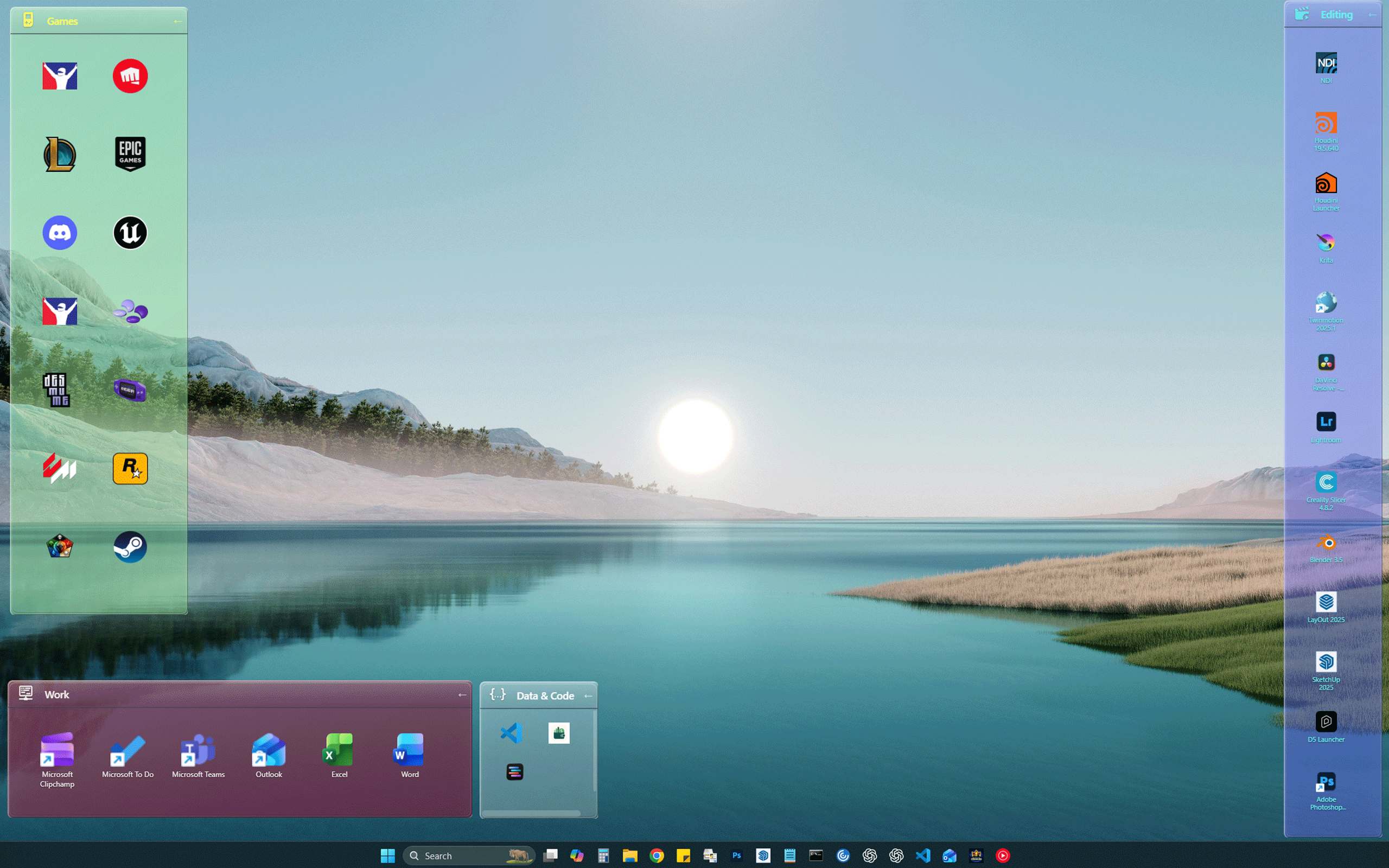
Keep games with games, creative apps with creative apps, and the daily essentials somewhere obvious.
Each array is its own movable place. Put it where you already expect it to be.
Use names, icons, colour, opacity and backgrounds so you know what’s what before reading a label.
ArrayThing adds references. It doesn’t secretly move, rename or delete the real files.
Collapse or close an array when you want less on screen, then bring it back without rebuilding anything.
No ads, accounts, AI or productivity bots. It organises desktop things.
Arrays can be broad categories, familiar locations, or temporary working spaces. Mix them—there are no rules.
Games, creative tools, utilities, launchers, study apps.
Keep the handful of things you open constantly in one small, dependable corner.
Arrange editing apps, asset folders, references and exports into a visual workspace that suits the job.
Put stores, launchers, community tools, mod folders and notes together.
Give each subject a visible home for apps, readings, links and folders.
Don't put anything in the array, just use the background image option to display a nice family photo.
Give it a name, an icon and a purpose. “Random useful things” is a purpose.
Add apps, files, folders, shortcuts or links. The originals stay exactly where they are.
Move, resize and style the array until your desktop makes sense to your brain. For the full clean-slate effect, right-click the desktop, open View and uncheck Show desktop icons.
Private Windows beta is open.
Testers are invited in small batches.